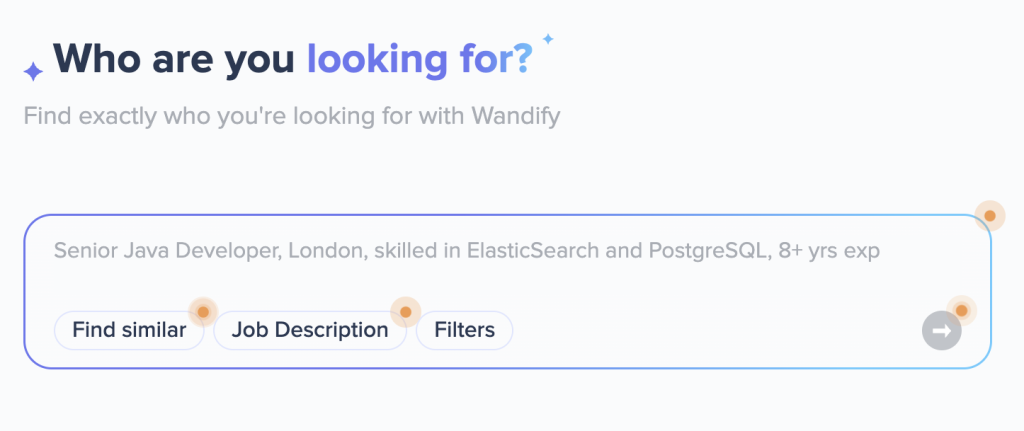
How AI Search works
Traditional search relies on exact keyword matches. AI Search analyzes the meaning of your query and finds relevant profiles even if they use different wording.
At the core of this approach is vector search. The system compares your query with candidate profiles based on meaning, not exact words. This allows it to match candidates even if their profiles use different terms.
For example, a query like “fintech developer” can match profiles that mention “banking software,” “payment systems,” or “financial technology.”
To improve accuracy, combine AI Search with filters. AI identifies relevant profiles based on meaning, while filters apply specific requirements such as location, skills, experience level, etc.
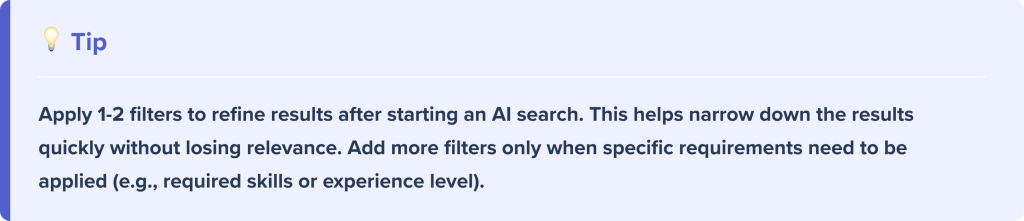
Use 1-2 filters to refine your results. Avoid overloading your search with too many conditions at the start.
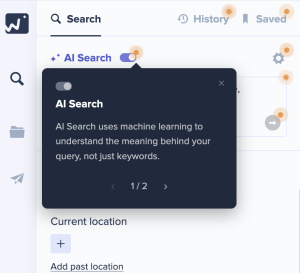
How to enable AI Search
→ Go to the Search tab
→ Locate theAI Search toggle at the top of the filters panel
→ Turn it on
Note: Interactive hints are available across key AI Search features. Click the orange markers in the interface to see short explanations.
Ways to use AI Search
1. Search by Job Description
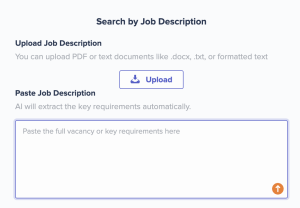
Use this option if you have a prepared job description.
Steps:
- Click the search field
- Select Job Description
- Paste the job description or upload a file
- Run the search
The system will analyze the text and return relevant candidates.
2. Search by text query
Use this option when you don’t have a job description. Enter your query in natural language.
Examples:
- Senior Java developer with Kafka experience, 3+ years
- B2B SaaS marketer withHubSpot experience
- Technical recruiter, London, 5+ years
- Frontend developer (React + Node), 6+ years, Germany
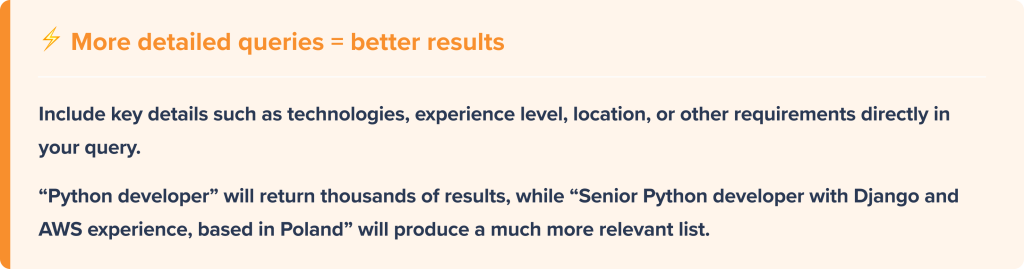
3. Find similar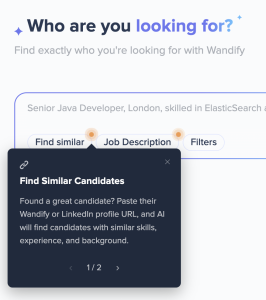
Search based on a reference candidate profile.
Steps:
- Click Find similar
- Add a profile link (LinkedIn or Wandify)
- Optionally add more profiles
- Run the search
The system will find candidates with similar characteristics.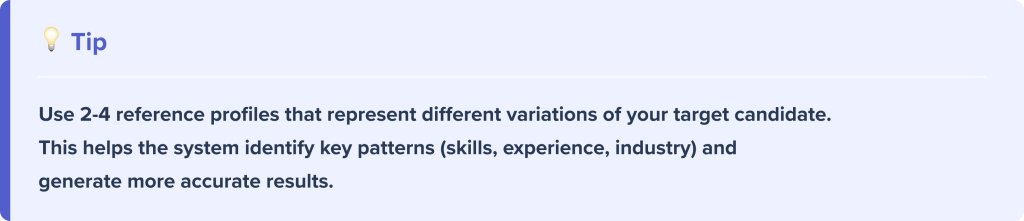
Suggested filters: hybrid search
After running an AI search, suggested filters appear in the right panel.
Available filters:
- Job title
- Skills
- Keywords
- Experience
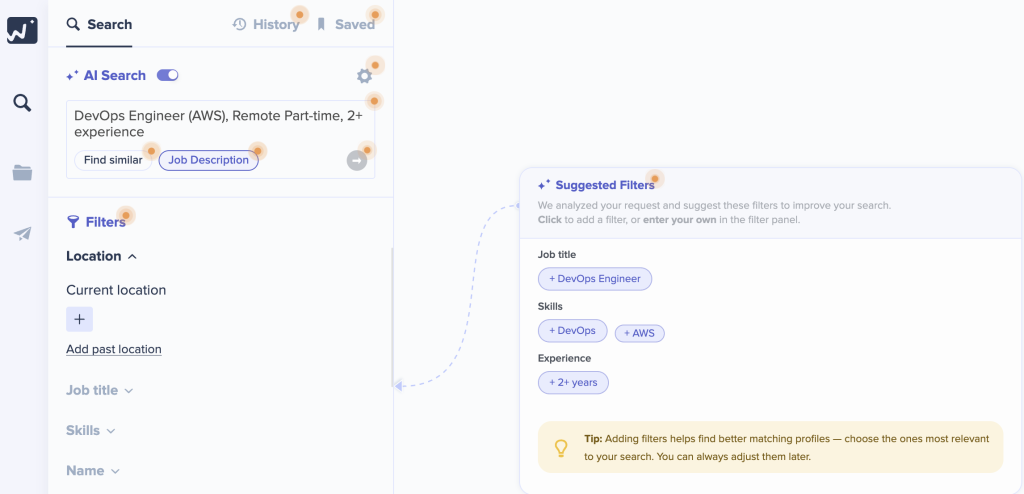
How to apply filters:
- Select filters from the suggested filters panel
- Click to apply them
- Add additional filters if needed
Combining AI Search with filters creates a hybrid search, improving result precision.
Likes: refining results
While reviewing results, you can mark relevant candidates with 👍 (like). The system uses this feedback to refine search results.
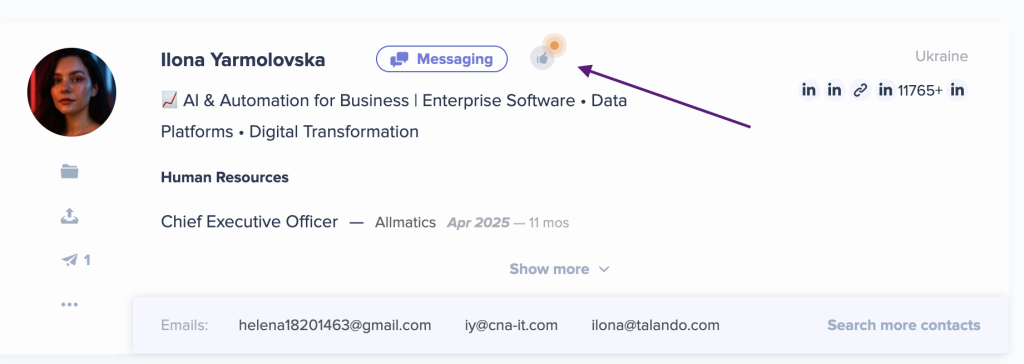
How it works:
- Selected candidates act as additional signals for the search
- The system analyzes their characteristics (skills, experience, roles)
- Results are refined based on your selections
The more relevant profiles you select, the more accurate your results become. This is especially useful for niche or complex searches.

Search Accuracy
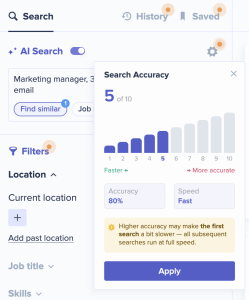
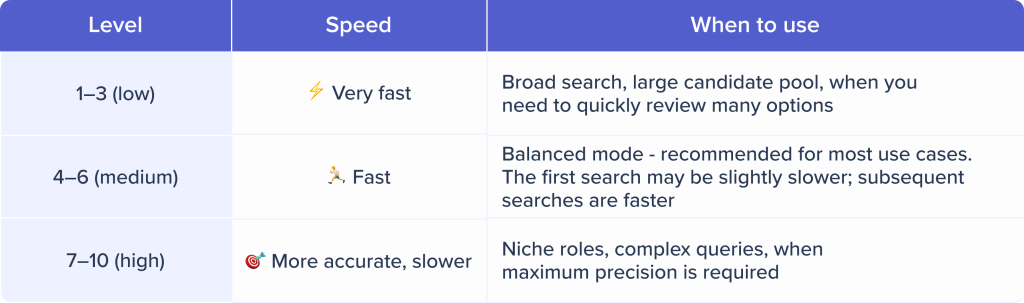
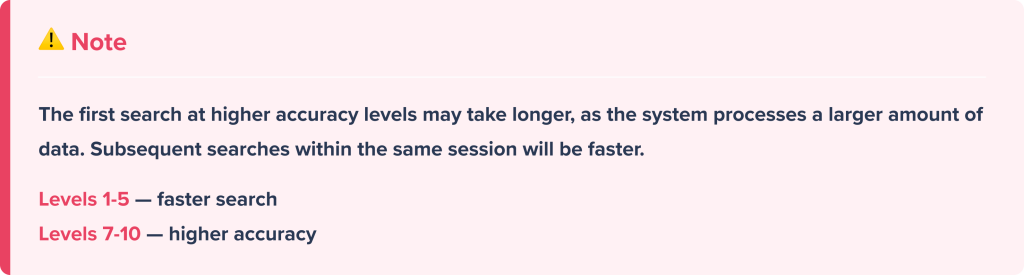
Search accuracy controls how deeply the system analyzes data.To adjust it, click the ⚙️ icon next to AI Search toggle, and select a level from 1 to 10.
AI Search workflow
Below is a typical workflow for using AI Search in Wandify:
Step 1. Choose search type
- Job Description — if you have a job description
- Find Similar — if you have a reference profile
- Text Query — if you are defining the search manually
Step 2. Apply filters
Add suggested filters to refine results. This helps improve accuracy and enables hybrid search.
Step 3. Review results
Review candidate profiles and select relevant ones. The system uses your selections to improve result accuracy.
Step 4. Refine search
Adjust accuracy level or update your query if needed. This allows you to broaden or narrow the results.
Step 5. Manage candidates
Save and organize selected profiles:
- add to folders – 🎥 [Watch video]
- assign statuses and tags – 🎥 [Watch video]
- export to CSV – 🎥 [Watch video]
- launch outreach campaigns – 📝 [Read article]
Overview of AI Search features
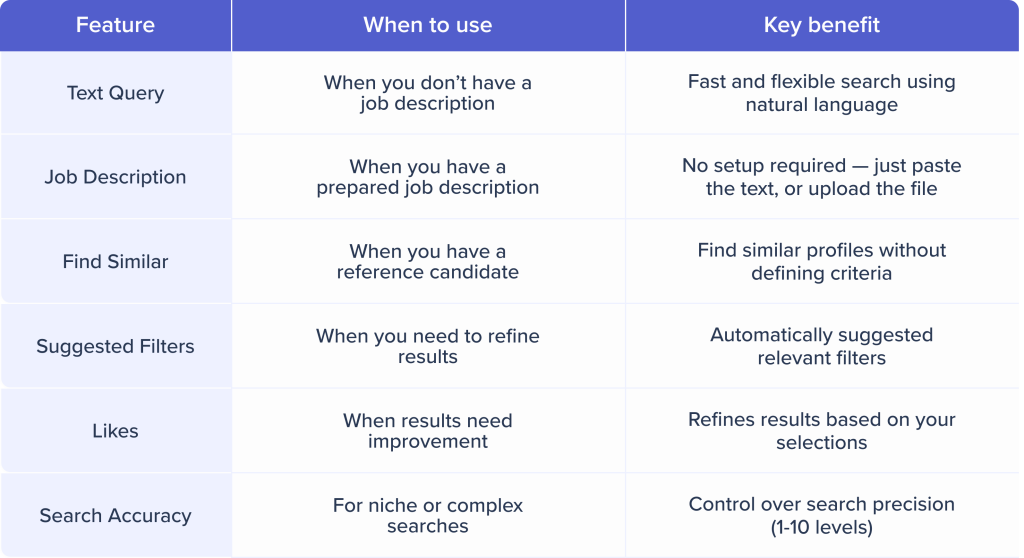
Key takeaways
AI Search in Wandify helps you find relevant candidates faster by combining semantic search, filters, and real-time feedback.
To get the best results, combine different search methods (job description, text query, or reference profiles), apply a small number of filters, and refine results based on your selections.
Together, these features help you build a more accurate and efficient candidate search process.
If you’d like a quick walkthrough or have questions, you can book a call with our team here.